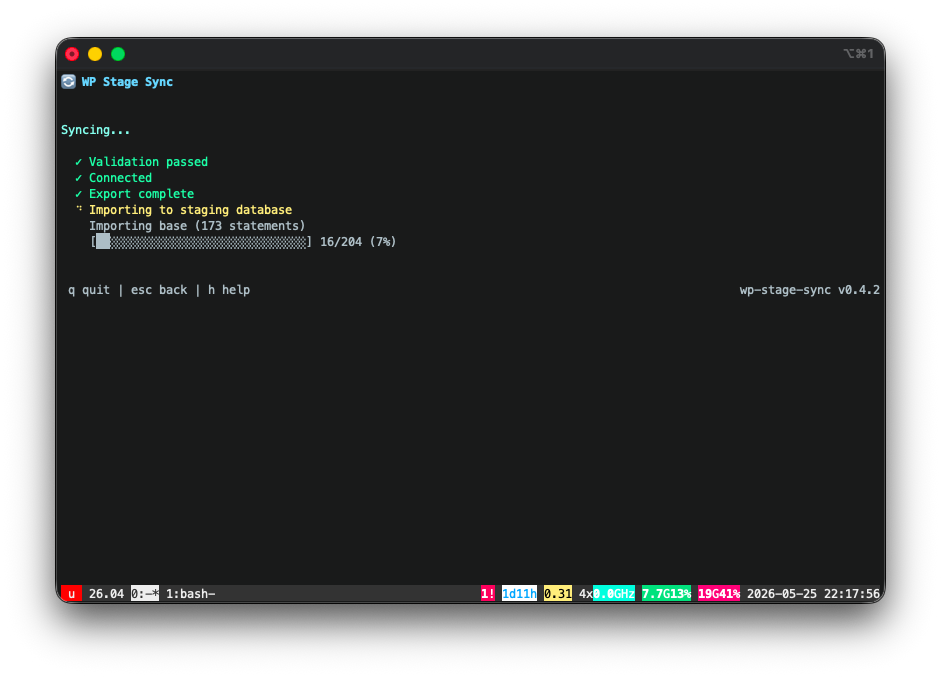
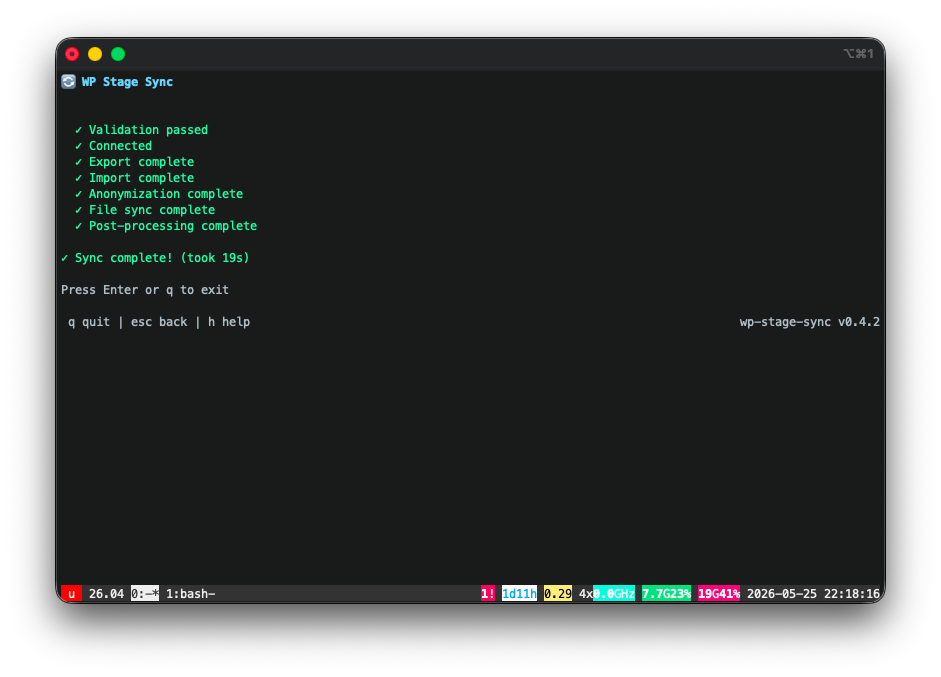
Sync live WordPress to staging with smart WooCommerce filtering and anonymization. Promote specific themes and plugins from staging to live with automated backup and automatic restore.
Hey stranger. Don't trust anyone, and don't run random commands from the internet. Want to see what's inside the install script first? Download it and read it yourself. Or hand this prompt to your favorite AI agent and let it do the reading:
Fetch https://ada.tools/wp-stage-sync/install.sh and review it line by line. Start your answer with a "TL;DR" section: one line stating whether it's SAFE or NOT SAFE to run, in plain language a non-technical person can understand. Then add a detailed breakdown for those who want it: explain every command, flag anything unexpected, dangerous, or outside the scope of installing a single binary, and call out anything that touches my filesystem or requires elevated privileges.
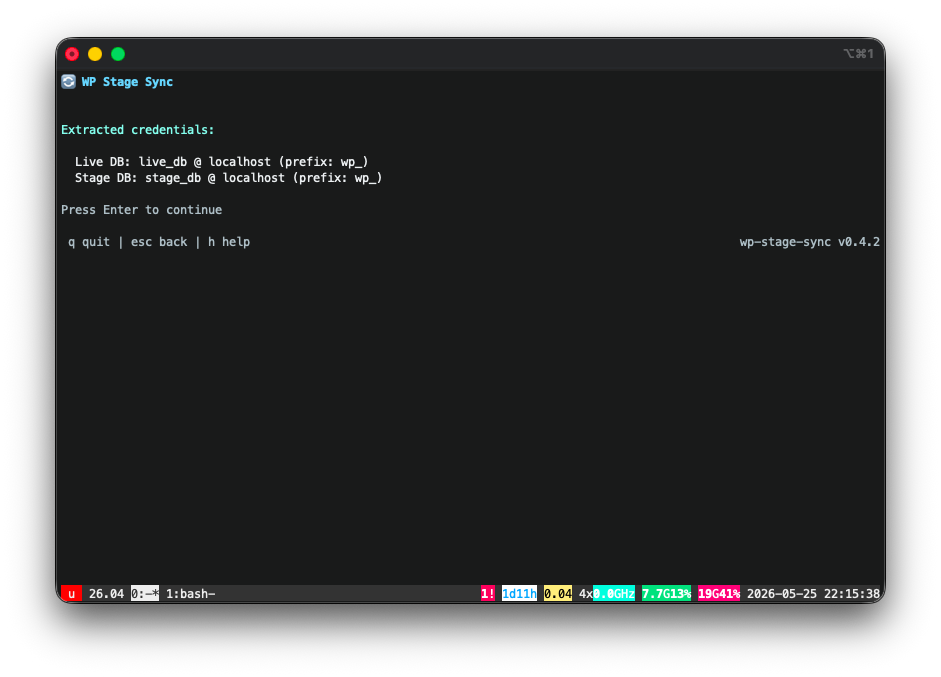
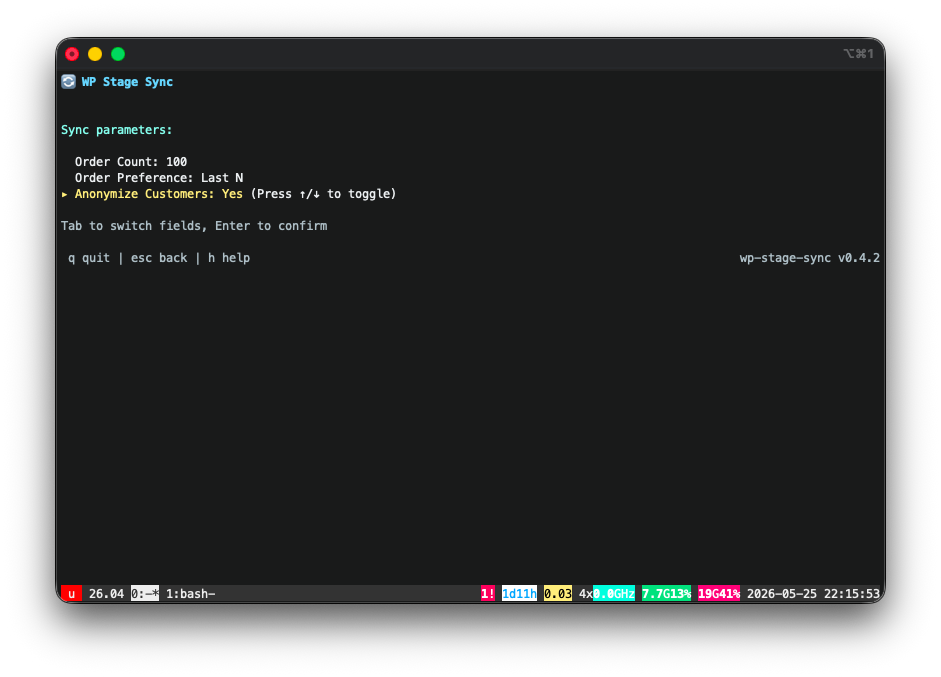
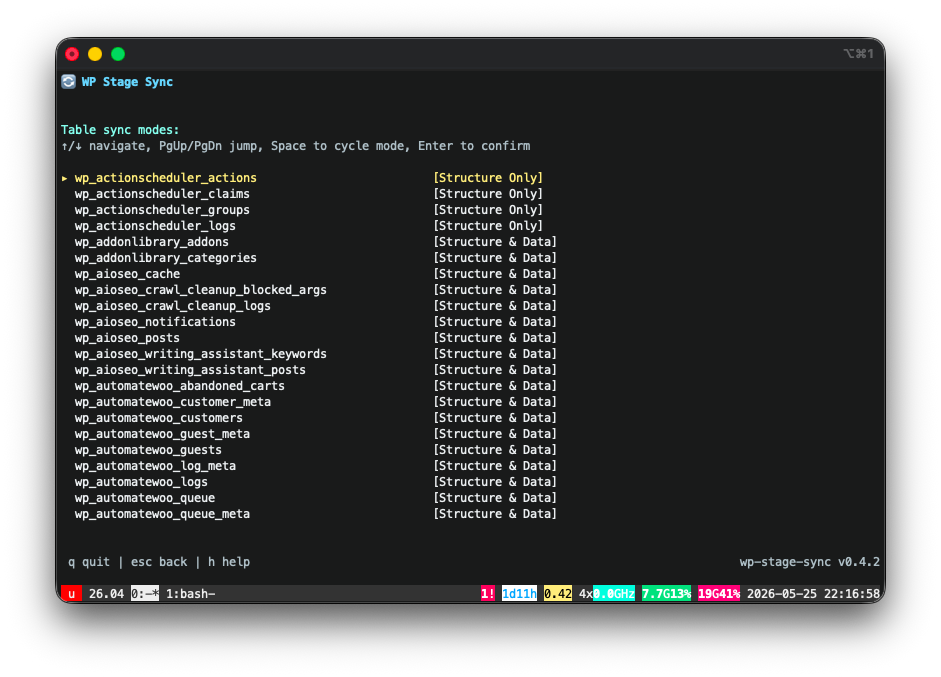
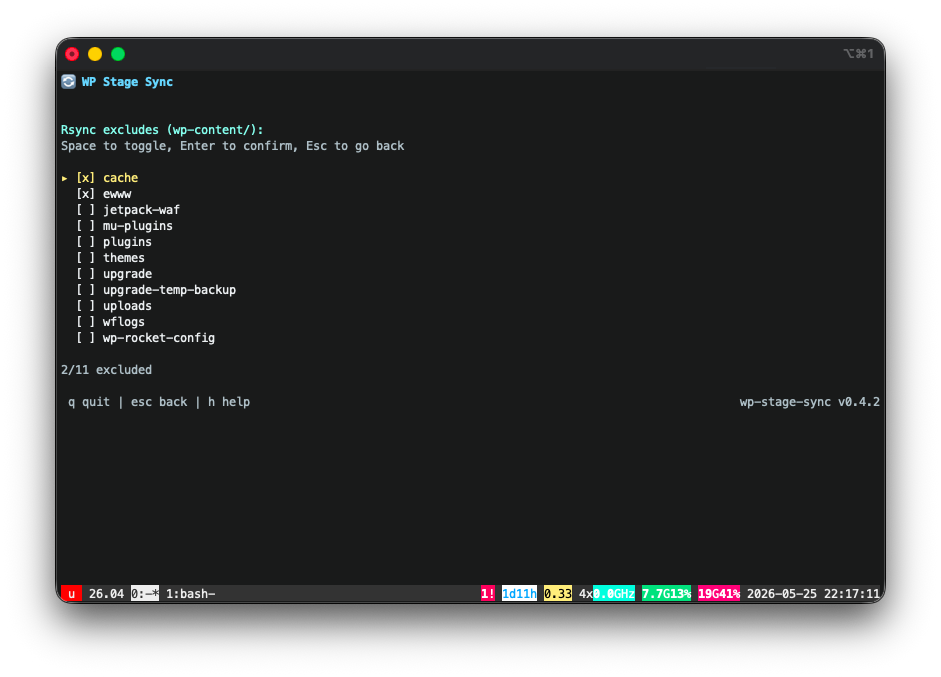
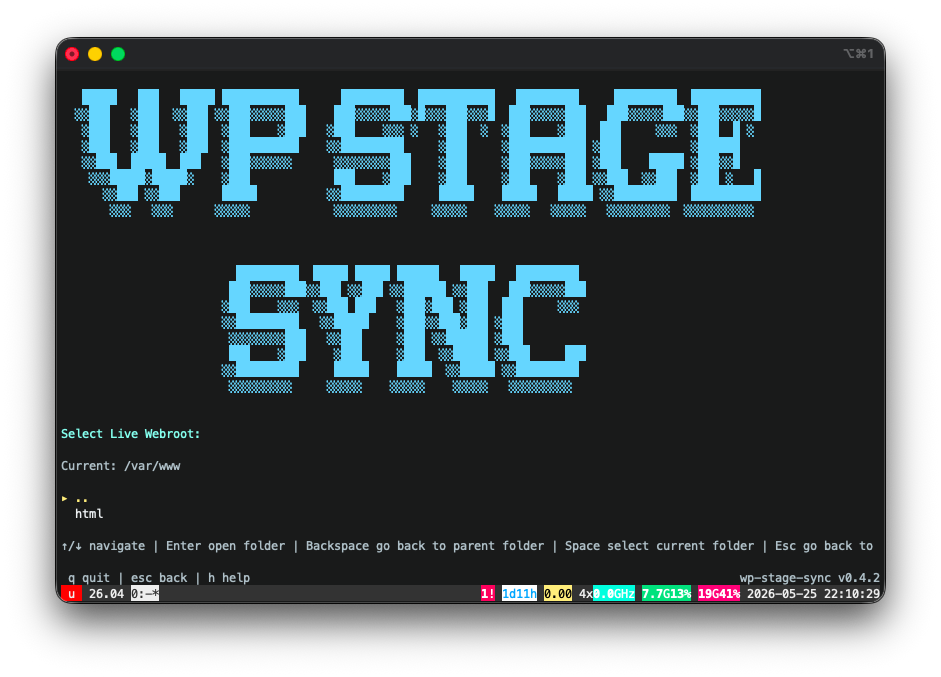
Every step of the sync is guided by an interactive terminal interface.
Built for agencies managing multiple WordPress sites where a full-copy staging sync is risky, slow, or legally problematic.
Automatically discovers WordPress installs from Apache2 / Nginx vhosts and filesystem paths.
Parses wp-config.php
to extract credentials with zero manual setup.
HPOS-aware. Exports only the N most recent (or oldest) orders — not your entire order history. Keeps customer accounts only for those included orders.
No WooCommerce? It just works. Plain WordPress sites get a fast, complete copy of every table — no order filtering, nothing dropped.
Optionally masks billing and shipping addresses, names, emails, and phone numbers in the staging database. Admin and editor accounts stay intact. Covers standard WooCommerce/WordPress fields — not a guarantee every plugin's PII is scrubbed.
Syncs wp-content/
with customizable folder exclusions. Detects staging webroot ownership and applies the correct
chown
automatically.
Runs WP-CLI search-replace for domain URLs. Handles Elementor URL settings automatically, puts Jetpack into safe mode, so your staging sites works out of the box.
The production database is strictly read-only — zero INSERT, UPDATE, or DROP, ever. Promote writes only the theme and plugin files you pick, always after a full backup with automatic restore.
Surgically promote specific themes, plugins, and mu-plugins from staging to live. Automated tar.gz backup before each operation with automatic restore on failure.
Run with -n
to see exactly what a sync would export, transfer, and replace — every table, file, and command
—
without writing a single byte.
Run wp-stage-sync
and the interface walks you through each phase.
After saving settings, use -u
for unattended runs. Use it in crons, in automations...
Queries live DB read-only. Filters HPOS order tables, excludes bulk session data.
wc_ordersDrops all staging tables, imports clean with foreign key checks disabled.
FOREIGN_KEY_CHECKS=0
rsync with --delete,
skipping cache and build artifacts.
WP-CLI handles domain replacement and plugin-specific URL rewrites.
wp search-replace
all tableswp-stage-sync queries wc_orders
directly and filters all HPOS lookup tables by order ID. Backwards compatibility mode (legacy wp_posts-based
order tables) is not supported.
The production database is enforced read-only at the query level. The default Live → Staging sync never writes to production at all; promote writes only the files you select, always after a backup.
Only SELECT and SHOW queries run against the production database — in both modes. Zero database writes, ever.
Aborts if live and stage directories resolve to the same filesystem path (symlinks included).
Aborts if live and staging resolve to the same database — compared by server identity, not just the host string.
Promote writes the files you select to live by design — after a full backup, with automatic restore on failure. The live database is never touched.
Requires Linux with MySQL/MariaDB, rsync, and WP-CLI available. Go 1.21+ only needed if building from source.
curl -sSL https://ada.tools/wp-stage-sync/install.sh | bash
Auto-detects amd64 / arm64. Resolves the latest release tag via GitHub
API. Piping to bash?
Did you see the disclaimer?
go install github.com/AdaDigitalAgency/wp-stage-sync/cmd/wp-stage-sync@latest
Then: run wp-stage-sync for
the interactive interface, or wp-stage-sync -u
for unattended mode.
Self-update
wp-stage-sync --update
Downloads latest release and replaces the binary in-place.
Unattended mode
wp-stage-sync -u
Skips interface, reads saved
config
from ~/.config/wp-stage-sync/sites/.
Perfect for cron.
Dry run
wp-stage-sync -n
Preview a sync without
writing anything. Prints what would be exported, transferred, and run. Also available as --dry-run.
Version & Help
wp-stage-sync --help
Print available commands,
flags, and usage examples. Use --version to check
current binary version.
Promote
wp-stage-sync --promote
Promote themes, plugins, and mu-plugins from staging to live with automated backup.
Restore
wp-stage-sync --restore
Browse and restore previous backups from the TUI.
List sites
wp-stage-sync -l
Show all configured sites with their live → staging mapping.
Target site
-s example.com
Target a specific site. Supports multiple WP installs per server.
Delete site
--delete -s example.com
Remove a site's config and backups. Prompts before deleting.
Reset all
wp-stage-sync --reset
Wipe all saved configs and start fresh. Prompts before deleting.
Settings Screen
Press 's' from TUI startup screen
Configure backup retention limits and automatic cache flushing. Persisted in settings.json.
wp-stage-sync is open source and MIT-licensed. If it saves you time, a star goes a long way. PRs and issues are welcome.
wp-stage-sync is an independent, open-source project. It is not affiliated with, endorsed by, or sponsored by WordPress, WordPress.org, the WordPress Foundation, or Automattic. The WordPress® trademark is the property of the WordPress Foundation.